
Introduction — A lab moment, some numbers, and the question that changed my day
I remember the night my recording failed mid-session — the mouse was calm, the protocol set, and then silence. I stared at the console and tracked the fault back to the cabling; it felt personal. A typical lab using a fiber photometry system logs dozens of sessions a month, and even a 5–10% failure rate costs time, animals, and patience. What really goes wrong during those runs—hardware, signal processing, or simple human error?
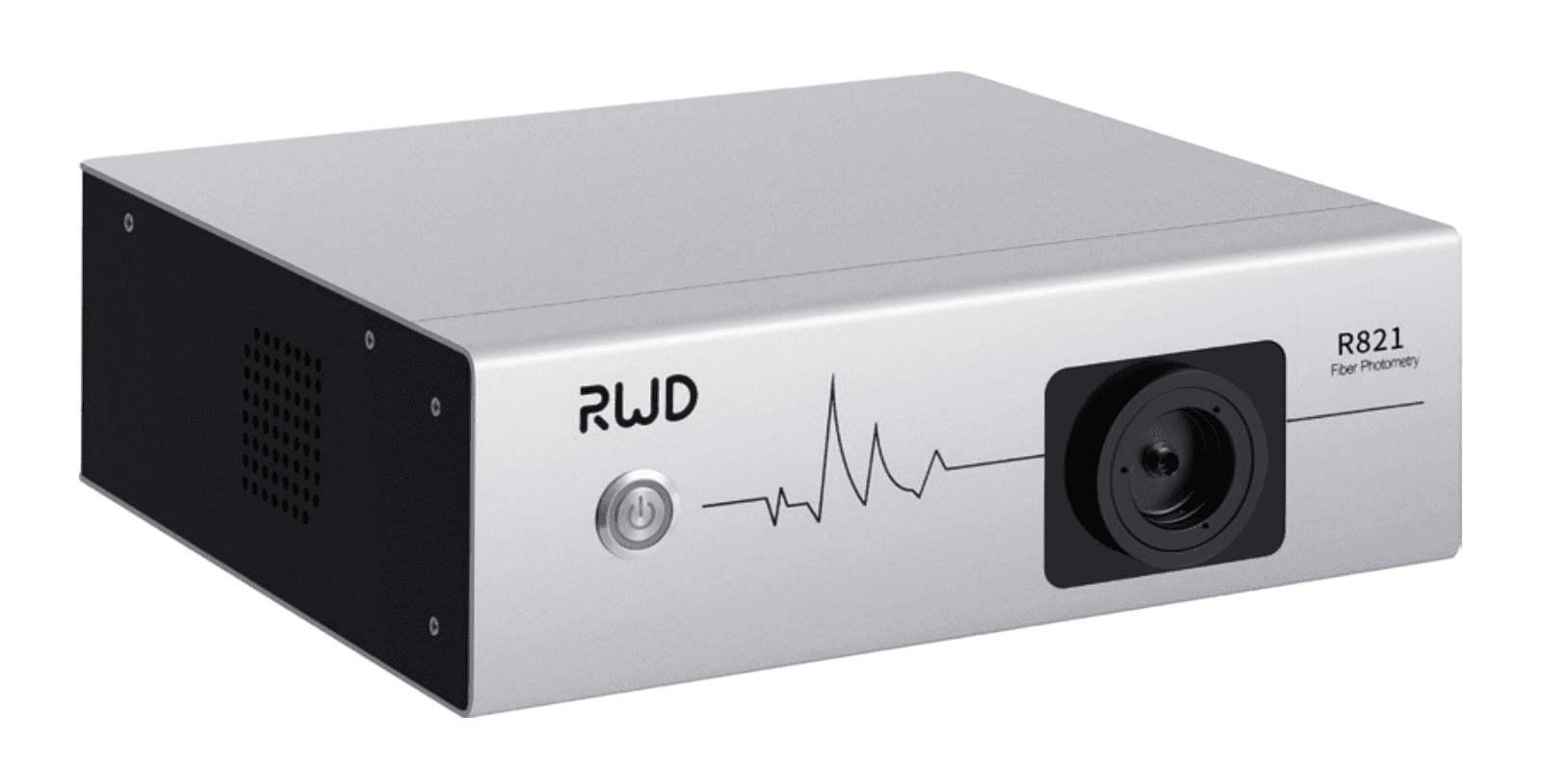
I share this because I know many readers have been there (we all have our war stories). The point: small issues compound. Photodetector drift, loose patch cords, or misaligned optical fiber can stop a good experiment cold. So let’s look closer — and then decide what actually helps us get back reliable data.
I’ll walk through what I’ve seen fail, why it hurts, and what practical fixes actually work. Next, I’ll dig into the technical limits and user pain points that labs often miss.
Where the usual solutions fall short: deeper problems with fiber photometry mice
fiber photometry mice setups promise clean traces, but in practice many labs wrestle with weak signals and strange baselines. I’ve examined dozens of rigs and the same patterns pop up: cable fatigue, LED driver instability, and poor signal-to-noise ratio. The result is not just bad data — it’s wasted hours and a lot of doubt. Look, it’s simpler than you think when you know what to look for.
What are the technical culprits?
First, optical fiber connectors wear. Over time, a slightly nicked ferrule scatters fluorescence and drags down the signal. Second, GCaMP expression varies between animals and can hide beneath noise if your photodetector is marginal. Third, analogue electronics — power converters and LED drivers — can add hum or drift that looks like a biological signal. I’ve seen lock-in amplifier settings misconfigured so often that it felt like a rite of passage.
Technically speaking, the interplay between photodetector sensitivity and the optical path defines your usable dynamic range. If you don’t tune the LED drive current and the detector gain together, you either saturate or you stare at noise. Software corrections help, but they can’t replace clean photons. That’s the hard truth. — funny how that works, right?
Future outlook: practical principles and measurable choices for better experiments
Moving forward, I prefer solutions built around two ideas: robust hardware and simple checks. For example, routine inspection of patch cords, scheduled replacement of connectors, and baseline verification before each session reduce surprises. Newer fiber photometry mice rigs are adding multichannel inputs and better shielded electronics to tackle cross-talk and interference. When a system ships with clear calibration steps, I trust it more.
What’s Next?
Technologies like real-time signal correction and multichannel demixing are promising. They rely on cleaner optical paths, smarter photodetector selection, and proper LED modulation. In my view, integrating these advances into daily lab practice — not just as optional add-ons — will lift data quality. Labs that train users to run quick pre-session checks save far more time than those that treat maintenance as optional. Small habits matter.

To help you choose, here are three evaluation metrics I use when recommending a setup: 1) Signal-to-noise ratio under realistic expression levels; 2) Stability over long sessions (hours) including thermal drift and power converter stability; 3) Ease of maintenance — how fast can a technician swap a patch cord or recalibrate the detector? These metrics are practical. They map to fewer failed runs, clearer traces, and less stress for the team.
In short, pick systems that make routine care simple, and train people to care. I’ve watched labs change their fortunes by adopting a few disciplined checks. It’s not magic — it’s consistent work. For reliable tools and sensible support, I often point colleagues to trusted vendors like BPLabLine. They make gear that fits how we actually work.