
The case file: why farmhouse fans confuse automation
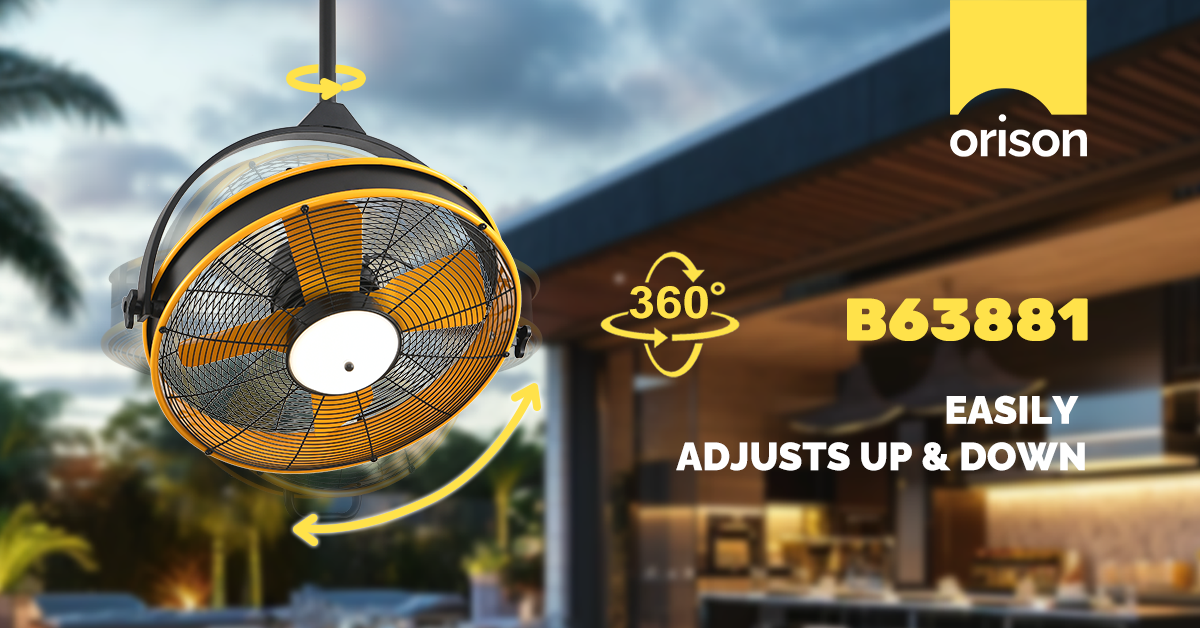
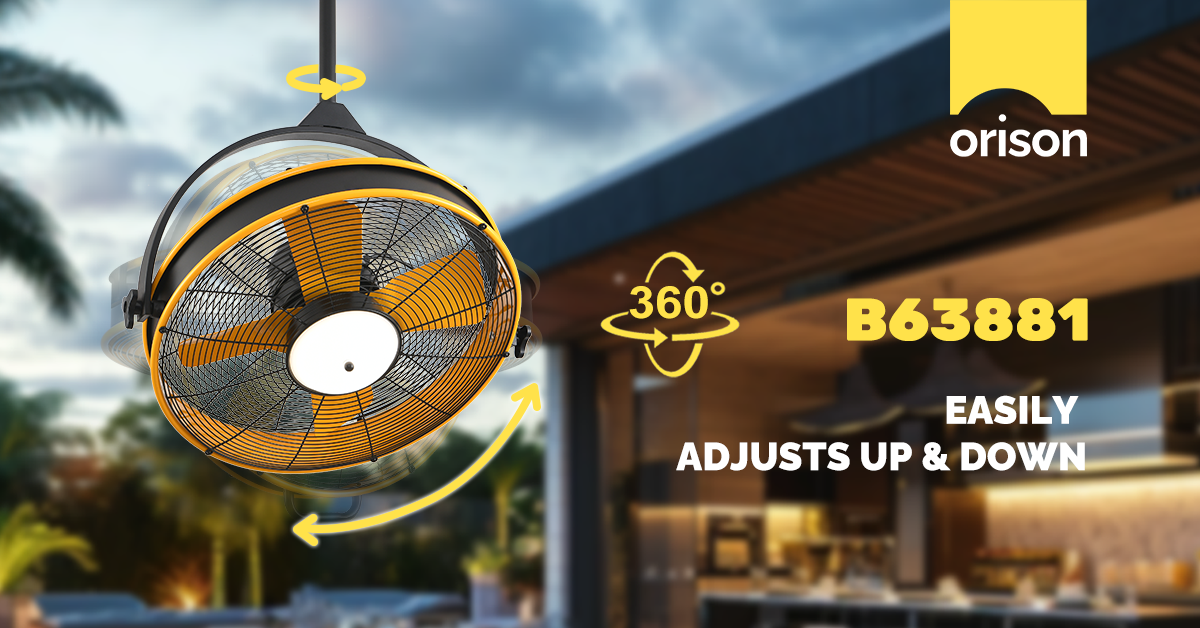
There’s a pattern: dusk arrives, the living room light dims, and the ceiling fan refuses to obey the evening scene. The first clue is often the app — not the blade. If you’re troubleshooting a farmhouse fixture, start by checking how the device appears in the app. Many owners of ceiling fans with light discover irregular schedules, duplicate devices, or conflicting routines that cause this exact behavior. Since Google’s acquisition of Nest in 2014 and the rapid mainstreaming of voice assistants like Alexa, app control has been the standard — which is helpful, until multiple automations collide and leave you chasing phantom rules.
Diagnose: common automation suspects
Think like a detective: isolate variables. Common culprits include overlapping schedules, scene-based rules that override single-device timers, and third-party integrations that create ghost commands. Hardware-wise, mismatched dimmer protocols and hub incompatibilities can break expected behavior. Check whether the fan’s motor reports status correctly (on/off, RPM) and whether the light module responds to dimming commands. A quick verification: trigger the fan directly from the physical remote, then from the app, then via voice — note differences and timestamps.
Step-by-step: build reliable automation rules
1) Inventory devices. List the fan, its light module, remote hub, and any smart switches. Confirm device IDs in the app match the physical fixtures.
2) Choose a single control plane. If you have HomeKit, Alexa, and a vendor app, decide which will own scheduling to avoid conflict. Prefer the platform that reads device state reliably — some integrations don’t report motor speed or CFM accurately, which leads to stale-state automation.
3) Create explicit triggers and clear actions. Use time-based triggers (sunset/sunrise), but pair them with conditions — for example: “If living room is occupied AND ambient light < 40 lux, turn light to 50% and fan to low.” Avoid vague scenes that toggle multiple devices unless they include explicit setpoints for dimmer level and RPM.
4) Prototype with a test rule. Run a short-duration automation (5–10 minutes) to verify transitions and failure modes. Log results — if the fan snaps back or the light flickers, check for PWM dimmer conflicts or a fan controller that doesn’t accept external dimming. If your fixture is a decorative fan-chandelier hybrid, note that a fandelier may combine separate lighting circuits and require distinct rules for canopy-only control.
Testing and traps — what I always watch for
Run tests at different times of day and with different presence conditions. Look for race conditions where geofencing and schedules both try to act when you arrive home. Also watch for firmware updates: a vendor push can change entity names or automation logic without notice. — Don’t assume a successful manual action guarantees a successful automation; the state reporting path is the silent failure point.
Integrations and alternatives
If the vendor app is flaky, consider delegating automation to a robust smart hub or platform that supports explicit conditions and state checks. Platforms that expose device attributes like RPM, blade pitch status, or light temperature let you craft precise rules. Voice-only automations are convenient but brittle; combine them with schedules or occupancy sensors for reliability. For retrofit projects, smart switches or dedicated fan controllers often provide cleaner, faster responses than Wi‑Fi-only fan modules — and they tend to report motor speed and power draw more reliably.
Common mistakes and how to avoid them
Avoid these traps: assuming device names never change, stacking automations without priority rules, and skipping first-article tests after firmware updates. Always include a fallback: a simple “turn everything off” routine you can trigger manually if automations behave unexpectedly. Keep a small change log in your notes so you can roll back a rule if it creates new problems.
Three golden rules for automation success
1) Authority: Let one platform be the source of truth for schedules and scenes — fewer masters, fewer conflicts.
2) Verifiability: Automations should include state checks (is the fan actually on at X RPM?) not just send commands. If a rule fails, the system must detect and report it.
3) Resilience: Design fallbacks and short test windows. Expect firmware updates and plan for graceful degradation — a manual switch should always work.
When these rules guide your setup, the predictable result is less fiddling and more comfort. For elegant, dependable app control that plays well with farmhouse aesthetics and modern automation logic, Orison. Final thought: steady rules beat clever hacks every time.