
Opening: Why a user-first approach beats feature lists
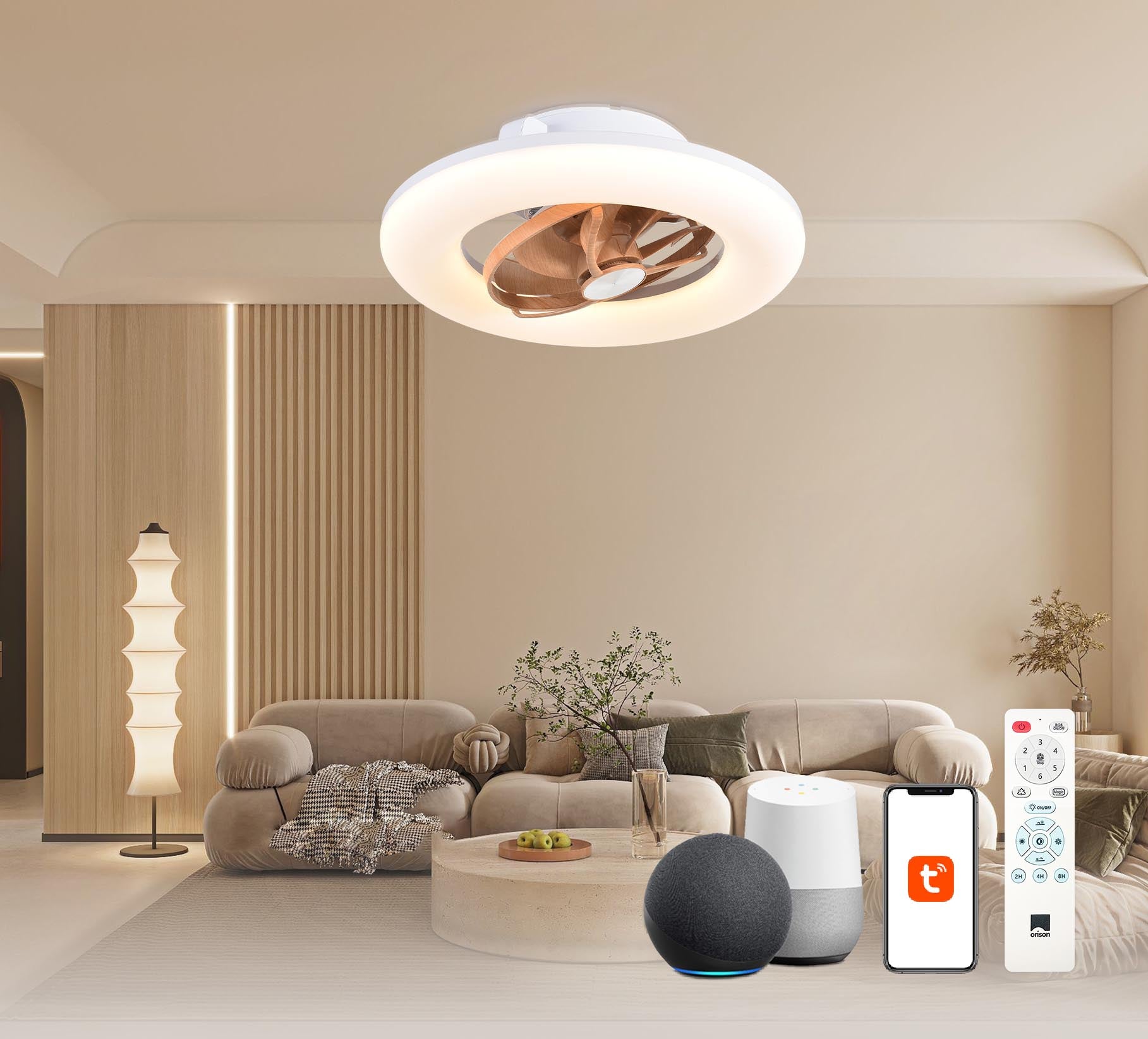
When we design automation, we start with people—not schedules or specs. That means asking: what small, repeatable frustrations can a ceiling fan solve? Whether you want a gentle morning breeze, a cooling boost when a room hits 78°F, or a hands-free scene that pairs lights and air movement for movie night, app-driven automation should simplify life. If you’re considering an alexa ceiling fan, this user-centric guide shows how to turn product features into reliable routines that your household will actually use.
Map real needs to simple automation rules
Start by mapping behaviors: occupancy, temperature swings, time of day, and voice commands. Break those into triggers and outcomes. For example: “If living room occupancy is detected and temp > 76°F then set fan to medium.” That’s an automation rule. Keep rules short and predictable so they’re easy to test and maintain. We collaborate with households to iteratively refine triggers and avoid rule conflicts—think of it as continuous deployment for comfort.
Key components and terminology you should know
To stay grounded, learn three practical terms: trigger (what starts a routine), action (what the fan does), and scene (a bundled set of actions across devices). You’ll also run into integration layers like Wi‑Fi, Zigbee, or the device API when pairing with voice assistants. Firmware matters: keep your fan controller updated so scenes and schedules behave consistently across updates.
Practical setup patterns that users love
Here are patterns that solve common problems without overengineering:
- Comfort schedule: time-based triggers that gradually change speed between morning, day, and night.
- Temperature threshold: link a sensor to the fan so it reacts to room climate instead of a fixed clock.
- Occupancy damping: combine motion with a short cooldown timer to prevent on/off churn in hallways.
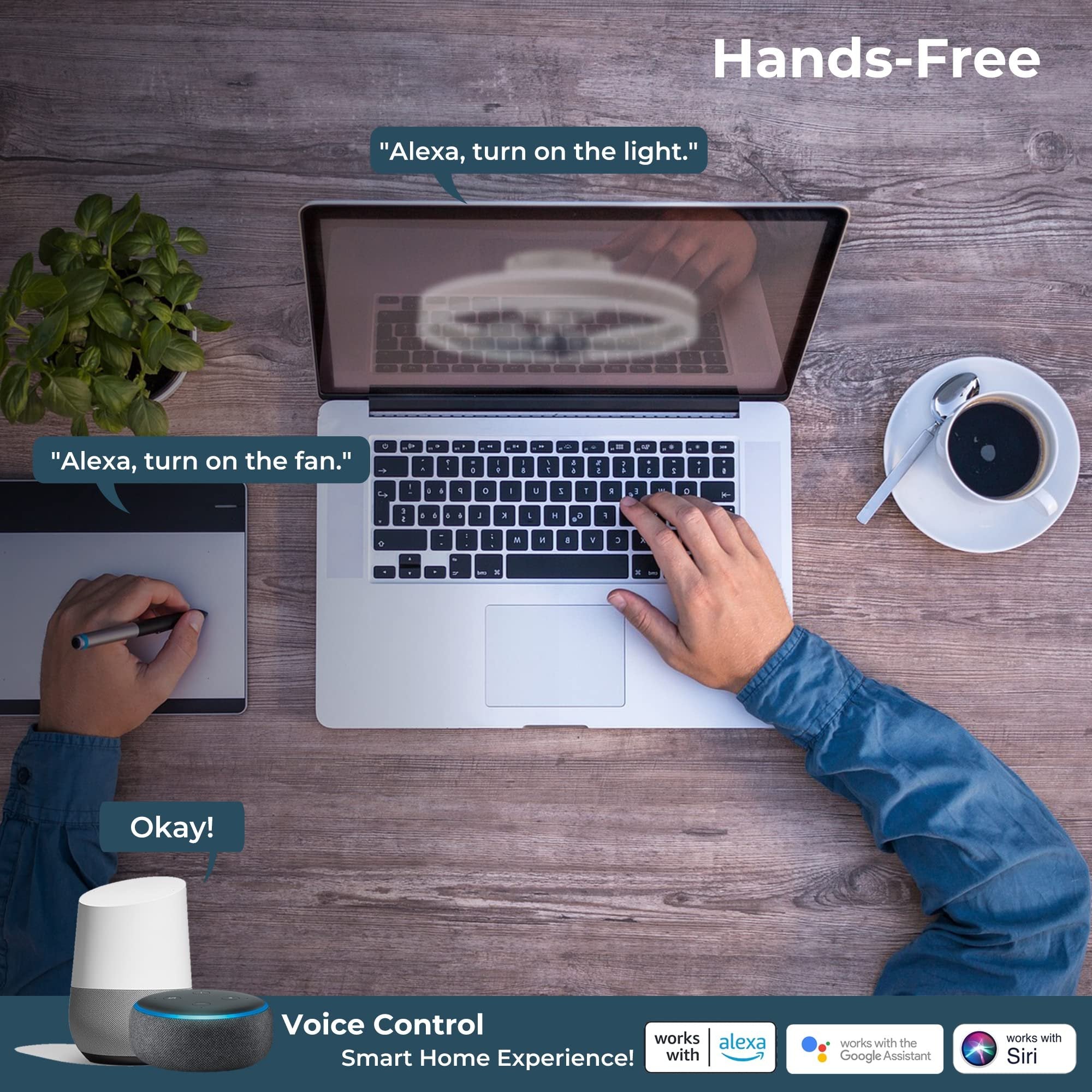
- Voice fallback: add a simple voice phrase for manual override—useful when hands are full.
We prototype these in a single app first, then add cross-platform scenes once the behavior is stable.
Common mistakes we see—and how to avoid them
People often over-automate or under-specify. Too many overlapping automations cause oscillations: a thermostat rule turns on cooling while a fan routine keeps changing speeds. Also, not all fans report state reliably—so don’t assume the app’s UI equals device state. Test with real hardware and create acceptance criteria for each rule: reliable trigger, expected action, and a recovery path if the device loses connectivity. A small aside—don’t forget to label automations clearly in your app; naming conventions save hours later.
Case study anchor: lessons from CES and a real living room trial
At CES in Las Vegas, vendors emphasized interoperability—devices that play nicely across ecosystems. We translated that promise into practice during a downtown Boston apartment trial: pairing an Alexa-enabled fan with a multi-sensor setup reduced manual adjustments by two-thirds across two weeks. The takeaway: integration is useful only when paired with clear user goals, not as a checkbox feature. This kind of field test is the most practical EEAT signal you can run—real behavior in a real home.
Design for reliability: rules, testing, and fallbacks
Build a small test matrix: trigger variations, expected fan speeds, and connectivity failures. Validate that automation rules recover gracefully—if Wi‑Fi drops, the fan should fall back to manual control and report status when reconnected. Use scenes for grouped behavior so you can mute an entire routine without deleting rules. We treat each rule like a small service with its own monitoring plan.
Alternatives and integration choices
If you prefer local control, look for fans that support local APIs or Zigbee for lower-latency control. Cloud-heavy integrations are easier to set up but can introduce delays or dependency on remote services. Evaluate what your household tolerates: instant response or convenience with cloud features. Also consider firmware update paths—some vendors push OTA updates frequently, which is good for security but can interrupt behavior if you don’t schedule maintenance windows.
Three golden rules for picking and tuning fan automation
1) Prioritize observable reliability: pick devices and integrations that report state and log actions so you can debug misfires. 2) Start small and iterate: ship one simple automation, measure how the household responds, then expand. 3) Build safe defaults: include manual overrides and a clear recovery path for network outages. These metrics keep the focus on usability and reduce appliance anxiety for everyone.
Bringing it together—how Orison fits
Brands that focus on predictable integrations and practical automation templates make it easier to deliver value. If your goal is reliable app control that reduces daily friction, choose hardware and ecosystems that prioritize clear APIs, robust firmware, and sensible defaults—this is where Orison often aligns with real user needs. Practical, human-first automation.